
Gaming Prompts
Discover high-quality AI prompts tailored for gaming. Click on any image to reveal the exact instructions used to generate it.
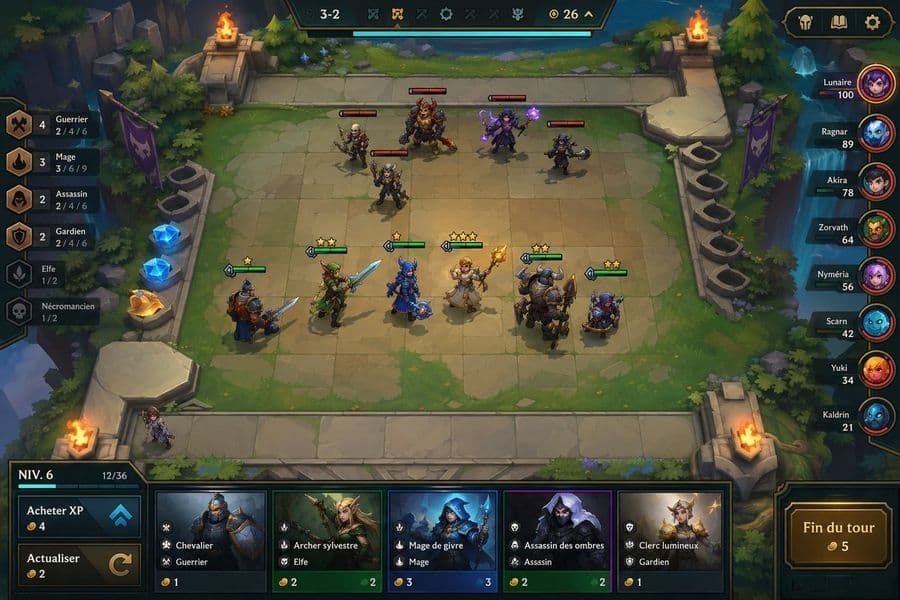
Fantasy Auto-Battler Gameplay UI
Goal: Create a polished 2D fantasy auto-battler gameplay mockup for {argument name="game title or mode" default="round 3-2"}, shown from an isometric top-down perspective, with a stone-tile battle arena, UI overlays, characters, shop cards, traits, and player leaderboard. Canvas: 16:9 widescreen game screenshot, 1152×768 style composition, crisp hand-painted fantasy game art with high readability, saturated colors, soft ambient lighting, and League-of-Legends/TFT-inspired interface design. Layout: The center is a square stone battlefield grid on a floating forest platform. The arena has worn beige tiles, mossy edges, stairs and stone railings, evergreen trees, cliffs, water at the right edge, purple banners, glowing blue crystals on the left, and four flaming braziers placed near the arena corners. At the top center, place a dark ornate HUD bar showing “3-2”, small trait/item icons, a gold counter “26”, and a long cyan progress bar beneath it. At top right, add three rounded menu buttons with icons: helmet, book, and gear. Battlefield units: Show exactly 11 visible characters on the board: 5 enemy units on the upper half with red health bars, and 6 allied units on the lower half with green health bars and yellow star ratings. Enemy units: 1 skeleton swordsman, 1 large horned beast warrior with axe, 1 purple mage holding glowing magic, 1 small dark rogue with axe, and 1 armored skeleton fighter. Allied units: 1 blue-and-brown knight with sword and shield, 1 green elf archer/swordsman, 1 blue-armored mage or knight with staff, 1 blonde cleric holding a golden staff, 1 massive horned tank warrior with shield, and 1 small blue gnome engineer/warrior. Add a small bench character standing at the lower-left edge of the board. Left trait panel: Create a vertical synergy list with exactly 6 rows, each with a bronze/dark icon, class name, current count, and thresholds. The visible French text should be preserved: “Guerrier” with “4” and “2 / 4 / 6”; “Mage” with “3” and “3 / 6 / 9”; “Assassin” with “2” and “2 / 4 / 6”; “Gardien” with “2” and “2 / 4 / 6”; “Elfe” with “1 / 2”; “Nécromancien” with “1 / 2”. Right leaderboard: Add a vertical player list with exactly 8 players, each in a dark horizontal nameplate with circular avatar on the right and health number. Use these names and values: “Lunaire 100”, “Ragnar 89”, “Akira 78”, “Zorvath 64”, “Nyméria 56”, “Scarn 42”, “Yuki 34”, “Kaldrin 21”. Use varied colorful fantasy portraits: purple mage orb, blue creature, dark red portrait, green orc, pink-haired character, cyan creature, orange-haired character, blue masked character. Bottom shop and controls: Along the bottom, create a wide shop UI panel. On the left, show a level box reading “NIV. 6” with XP “12/36” and a small cyan progress bar. Under it, exactly 2 control buttons: “Acheter XP” with coin cost “4” and blue double-up arrow icon, and “Actualiser” with coin cost “2” and circular refresh arrow. In the center, show exactly 5 purchasable champion cards with portrait art, class/trait icons, French names and traits, and gold costs: “Chevalier” / “Guerrier” cost 1; “Archer sylvestre” / “Elfe” cost 2; “Mage de givre” / “Mage” cost 3; “Assassin des ombres” / “Assassin” cost 2; “Clerc lumineux” / “Gardien” cost 1. On the bottom right, place a large ornate gold-bordered button labeled “Fin du tour” with coin cost “5”. Visual style: Painterly fantasy game UI, clean bevels, dark teal and bronze interface frames, readable small text, glowing magic effects, warm firelight, cyan highlights, and compact mobile/PC strategy-game presentation. Keep the mockup as a single in-game screenshot, not a poster or concept sheet. Avoid photorealism, avoid extra panels, avoid watermarks, and do not add more units, shop cards, trait rows, or players than specified.
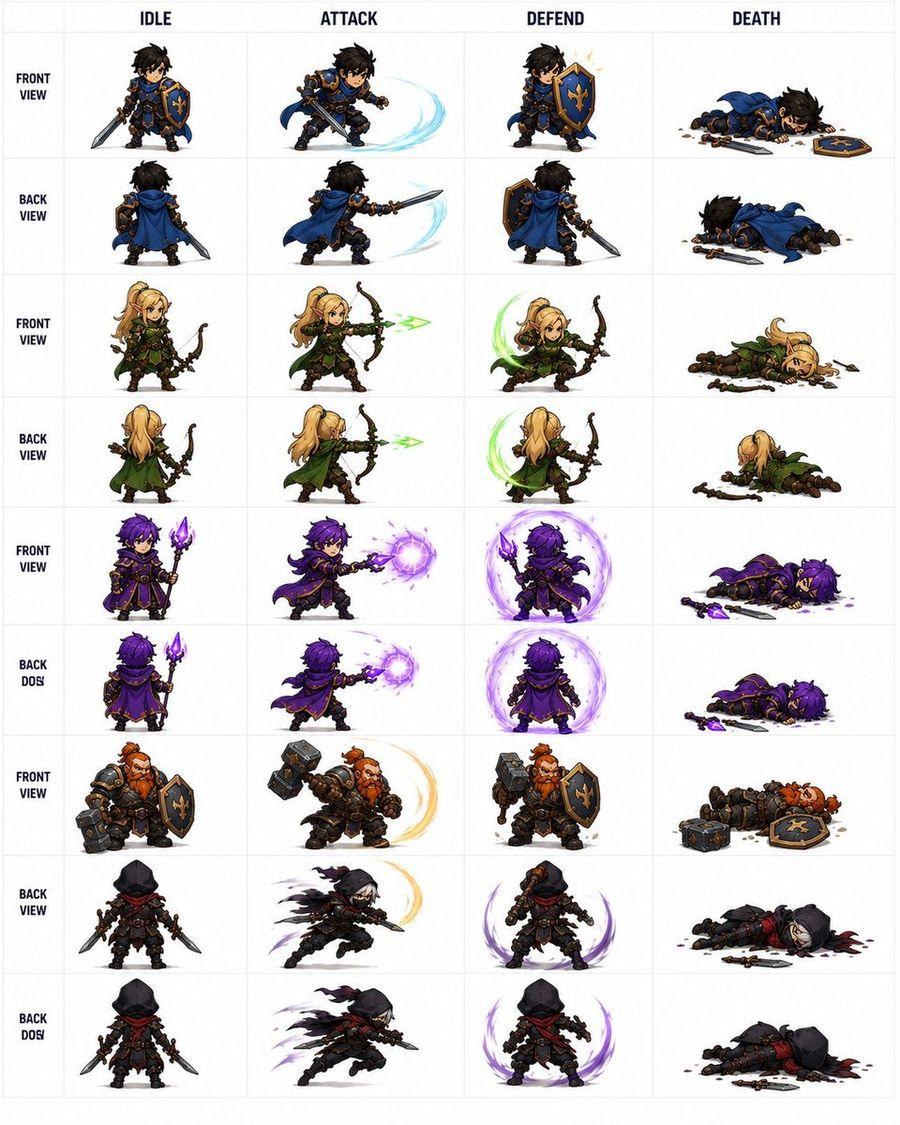
Fantasy RPG Character Sprite Sheet
Goal: Create a clean fantasy RPG pixel-art character sprite sheet for game asset reference, showing {argument name="character roster" default="a blue-and-gold knight, a blonde elf archer, a purple dark mage, a red-bearded dwarf warrior, and a black-hooded rogue"} in chibi proportions with detailed armor, weapons, capes, and magical effects. Canvas: Square white canvas with a thin pale-gray grid, like a professional 2D game animation sheet. Use crisp, high-detail isometric/chibi pixel-art styling with painterly shading, transparent-looking white backgrounds inside each cell, and no scenery. Layout: Make exactly 4 action columns labeled across the top in bold dark uppercase text: IDLE, ATTACK, DEFEND, DEATH. Add a narrow left label column with stacked row labels in bold dark uppercase. The sheet contains exactly 9 labeled sprite rows and 36 total character sprites, one sprite per grid cell. Rows and contents, from top to bottom: 1. FRONT VIEW: blue-and-gold knight with messy black hair, sword and fleur-de-lis shield; idle front, slashing attack with pale blue arc, shield block with spark, death lying face down with sword and shield dropped. 2. BACK VIEW: same knight from behind with blue cape; idle back, back-view sword slash with pale blue arc, back-view shield stance, back-view death lying prone. 3. FRONT VIEW: blonde elf archer in green cloak and leather armor; idle with bow, firing green energy arrow, defensive crouch with green crescent effect, death collapsed beside broken bow and scattered arrows. 4. BACK VIEW: same elf archer from behind; idle, firing green arrow, defensive green crescent, death face down with cloak visible. 5. FRONT VIEW: purple-haired dark mage in ornate black-and-gold robes holding a glowing purple staff; idle, casting a purple energy orb, defending inside a purple magic shield aura, death lying with staff dropped and purple splatter. 6. BACK DOS: same mage from behind, preserving the typo label “BACK DOS”; idle, back-view purple orb cast, back-view purple magic barrier, death lying prone with staff nearby. 7. FRONT VIEW: red-bearded dwarf warrior in heavy dark armor with hammer and shield; idle, hammer swing with golden arc, shield block, death lying down with hammer and shield dropped. 8. BACK VIEW: black-hooded rogue assassin with red scarf, dual daggers, dark leather armor; idle rear view, lunging slash with smoky black/purple motion trails, defensive stance with purple crescent aura, death lying in a dark blood pool with daggers nearby. 9. BACK DOS: same rogue from rear, preserving the typo label “BACK DOS”; idle, fast dagger attack with shadow trails, defensive purple aura, death collapsed with weapons scattered. Visual style: {argument name="art style" default="high-detail chibi fantasy pixel art"}, strong silhouettes, small heads and compact bodies, readable weapons, dramatic motion arcs, bright magic effects, and consistent scale across all cells. Keep the top labels and grid perfectly aligned, like a game development sprite atlas. Constraints: Use exactly 4 columns, exactly 9 rows, and exactly 36 sprites. Do not add extra characters, UI panels, watermarks, signatures, scenery, or additional text beyond the column headers and left-side row labels. Keep the background white and the grid subtle.
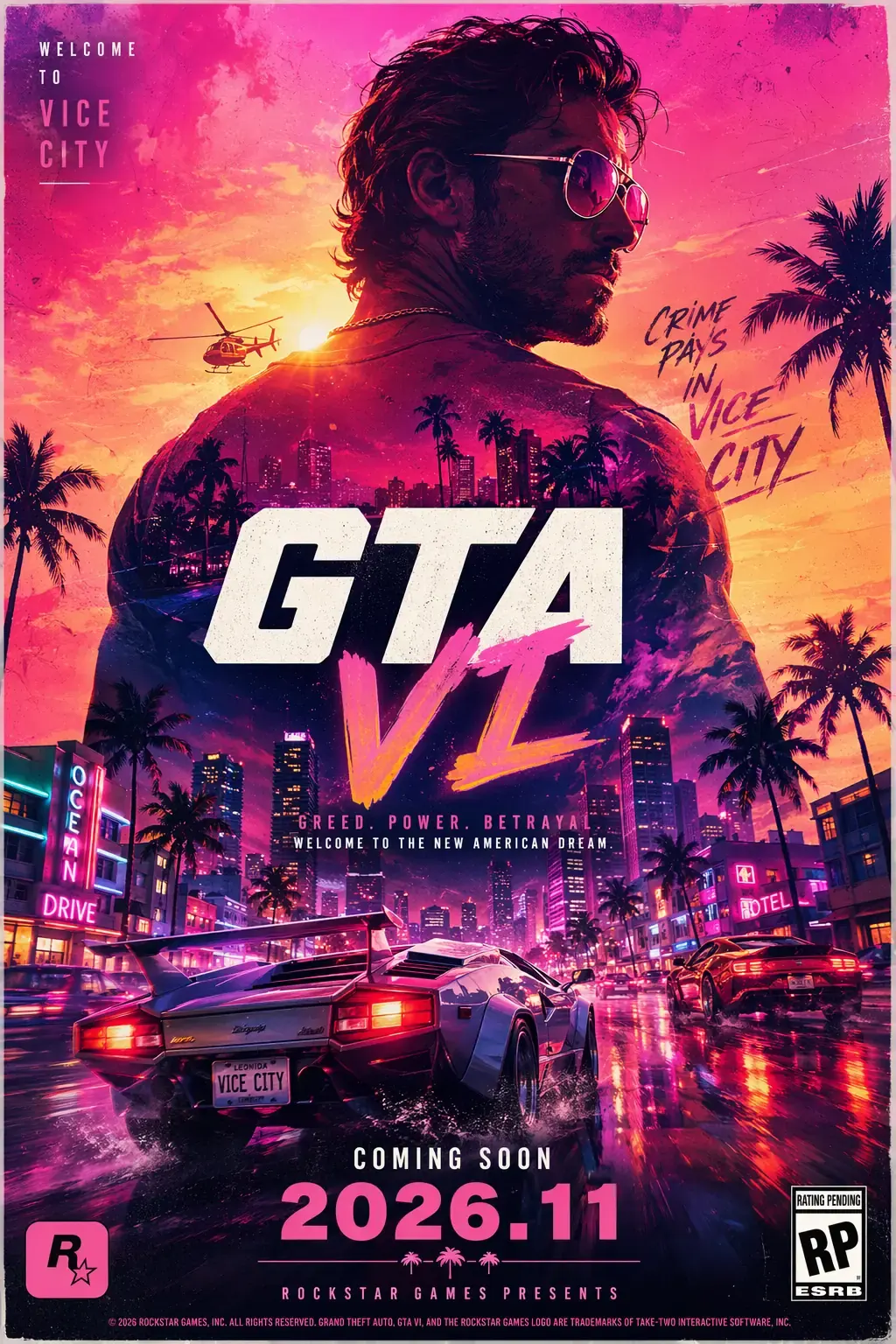
GTA 6 Poster
Generate a commercial poster for "GTA 6" style open-world action game, iconic Miami Vice neon and sunset aesthetic, double exposure silhouette of a criminal protagonist blending with palm trees, speeding supercars, and vice city skylines, high-saturation pink and golden hour lighting, bold pop-art inspired typography, cinematic gritty texture, aggressive urban energy, premium American blockbuster game branding. coming soon 2026.11
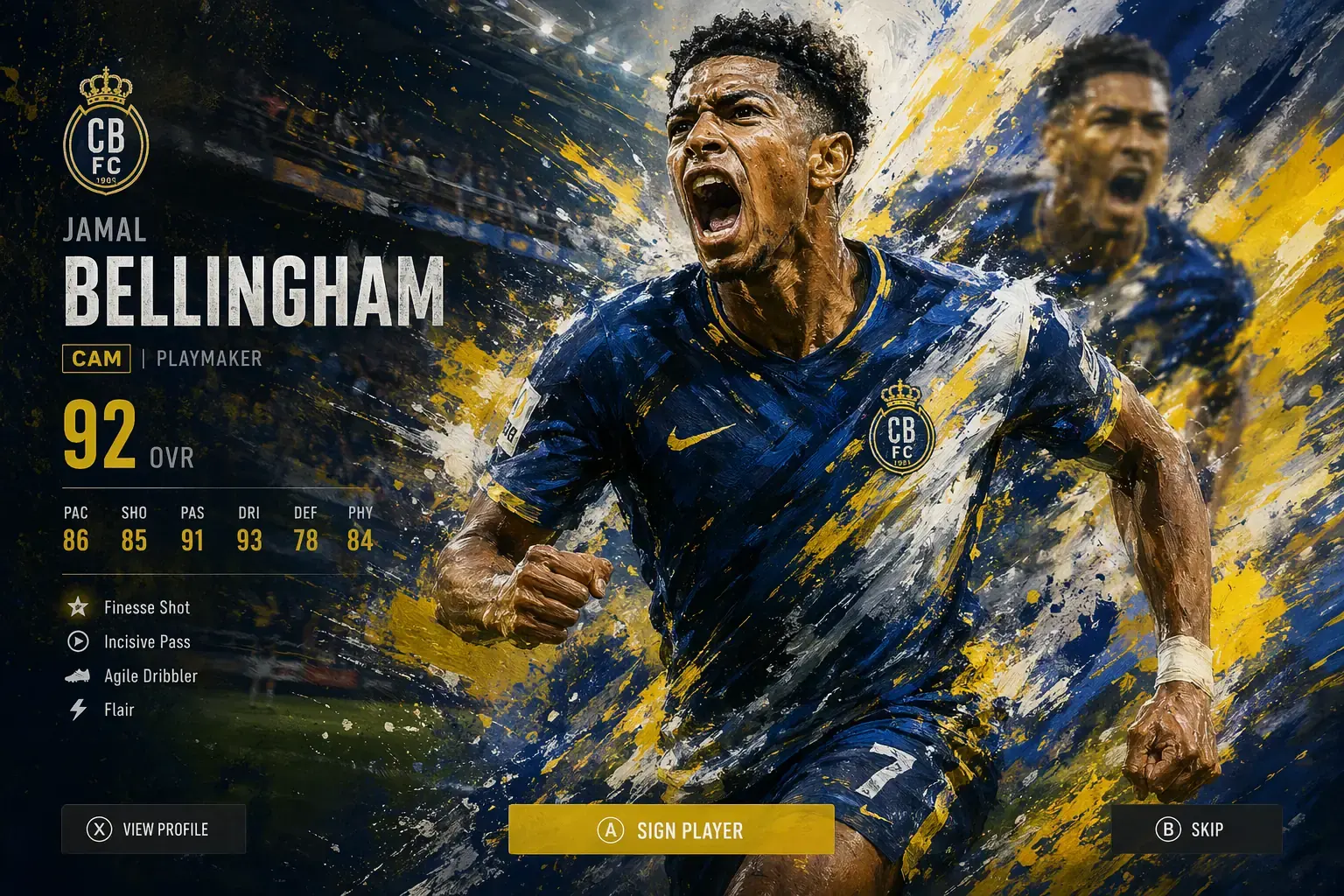
Football Game Splash Art
Generate a football player reveal splash screen in a stylized painterly art style. Main subject: a football player in a dynamic running pose, shouting in celebration, wearing a modern kit. The style should combine realistic anatomy with expressive oil-paint brush strokes and splattered paint textures, using bold streaks of yellow, blue, and white to create strong motion. Add a secondary blurred version of the same player in the background, creating a layered action effect and depth. The stadium background should be visible but partially abstracted with motion and brush textures. Overlay minimal game UI elements: player name, position, rating, small stats, team logo, and simple bottom buttons — keep UI subtle and not dominant. Lighting is high-contrast and energetic, with strong highlights and color streaks. Ultra-detailed, dynamic, painterly, cinematic sports game splash style, no distortion, no watermark.
How to use the ImageGen 2 Prompt Library
Welcome to the ultimate resource for AI image generation. Whether you are creating commercial assets, video game concept art, or UI designs, crafting the perfect prompt is an art form. Our curated library is designed to help you reverse-engineer stunning visuals.
1. Find Inspiration: Browse through our categories including Gaming, Commercial, Design, and Art & Illustration. Find a visual style that matches your project needs.
2. Analyze the Prompt: Click on any image to reveal its exact text prompt. Pay attention to how the prompts are structured, including lighting keywords, camera angles, and stylistic descriptors.
3. Apply Pro Tips: Many of our prompts include exclusive Pro Tips that explain why certain keywords were chosen. Apply these principles to your own ideas to dramatically improve your AI generation results on ImageGen 2.