GPT Image 2 Image-to-Image
GPT Image 2 supports image-to-image workflows — upload a reference photo, apply a mask, and transform specific regions with natural language prompts on ImageGen 2.
What GPT Image 2 Image-to-Image Can Do
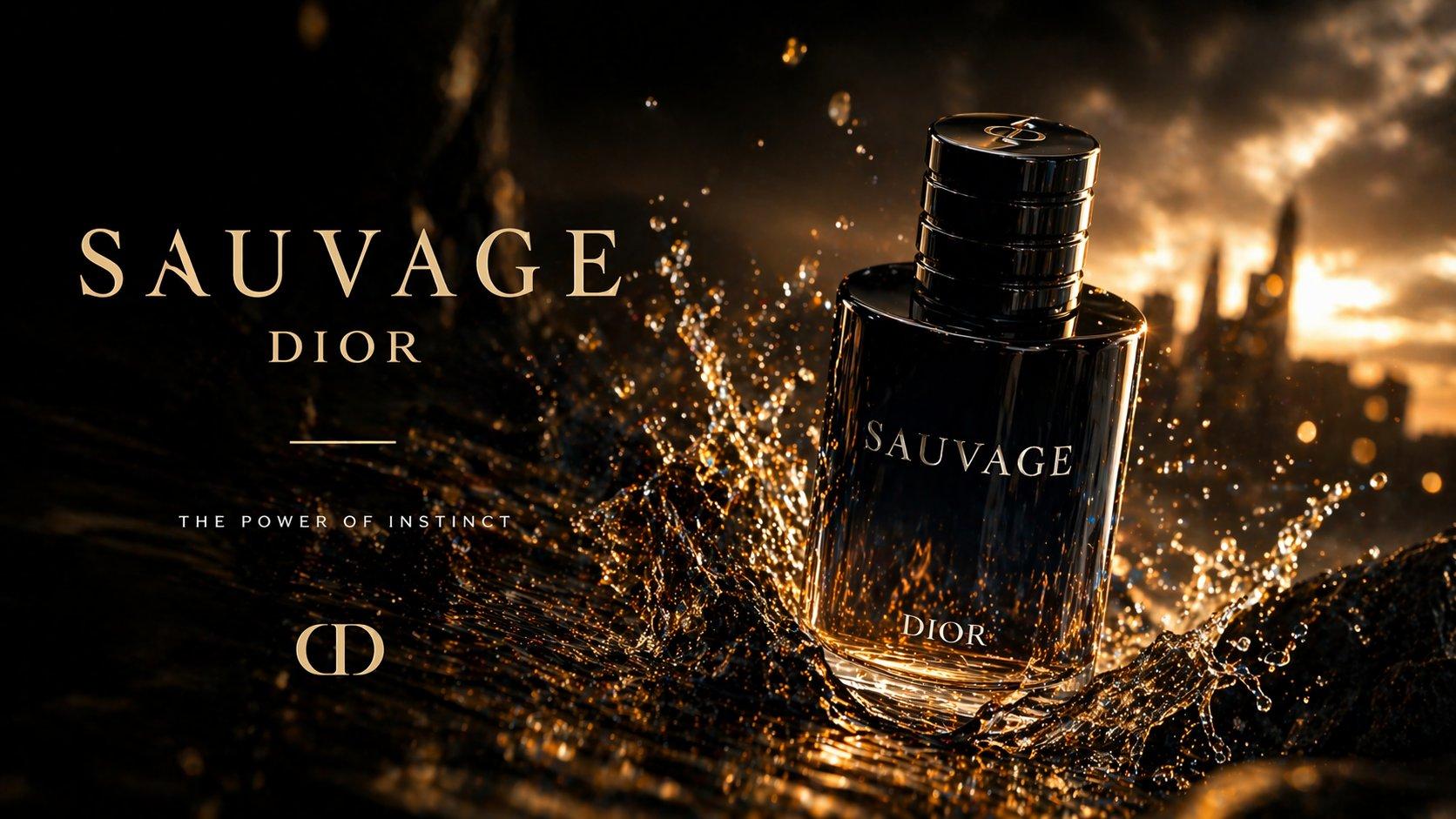
Image-to-image (image2image) extends GPT Image 2 beyond text-only generation. Upload an existing image and GPT Image 2 will interpret your prompt in the context of that reference — modifying styles, replacing objects, extending backgrounds, or refining product shots for e-commerce.
Inpainting & Outpainting
Use mask-based inpainting to replace a specific region — describe what should appear in the masked area as a complete scene, not just a patch. Outpainting extends the canvas beyond the original borders, useful for widening compositions or adding environmental context around a product photo.
Style Transfer & Reference Images
GPT Image 2 preserves structural elements from your reference while applying new styles, lighting, or environments. This is ideal for placing real products into AI-generated lifestyle scenes, converting sketches to renders, or maintaining character consistency across a series.
GPT Image 2 Image-to-Image FAQ
Common questions about image2image editing with GPT Image 2 on ImageGen 2.